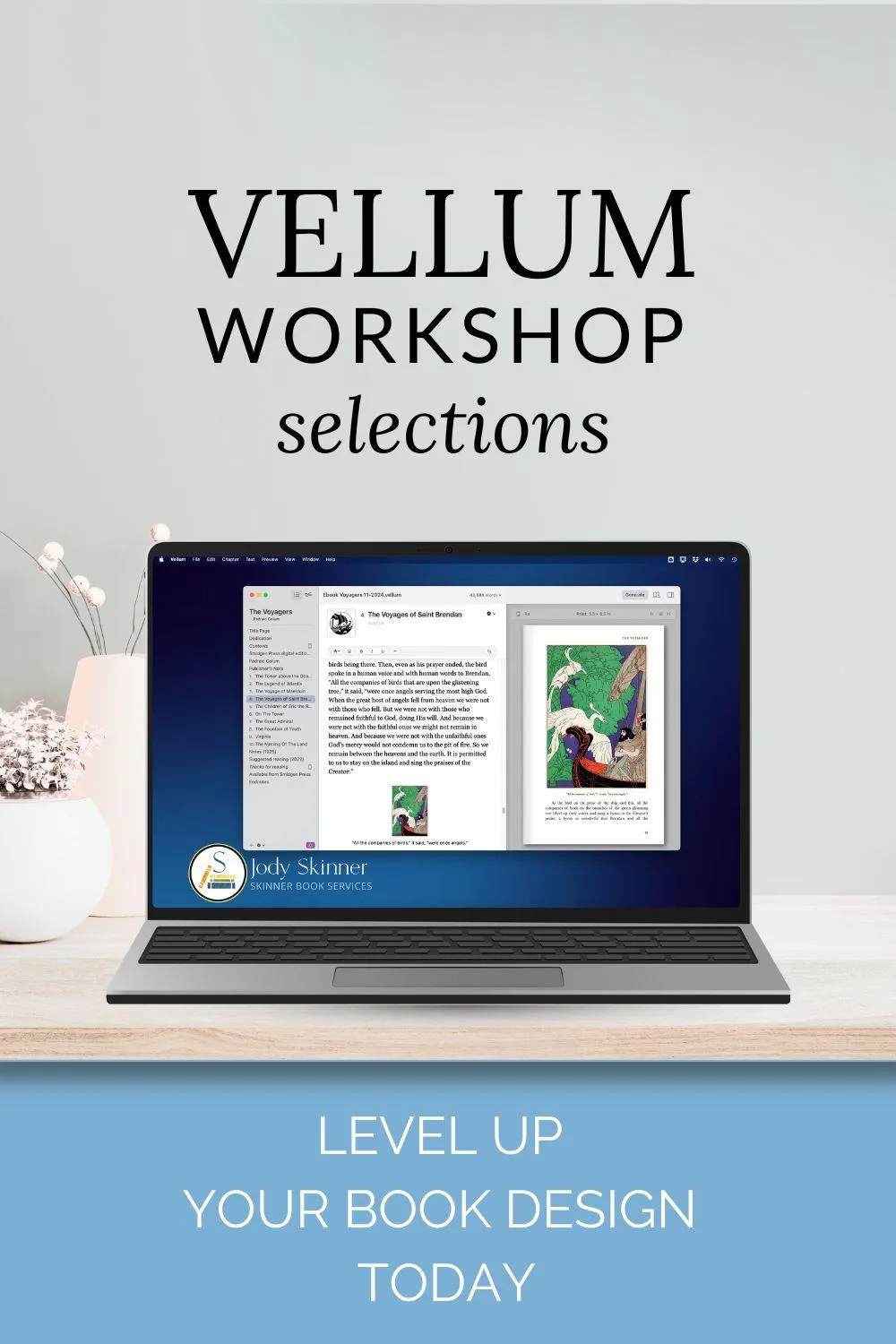
Vellum Essentials: Book Designs Only
Selected lessons from The Complete Vellum Workshop
(Click here for full start-to-finish course)
Formatting gorgeous books (or just plain good ones) has never been easier.

Formatting gorgeous books
(or just plain good ones)
has never been easier.
Selected lessons give you ebook best practices and special edition tips/tricks.
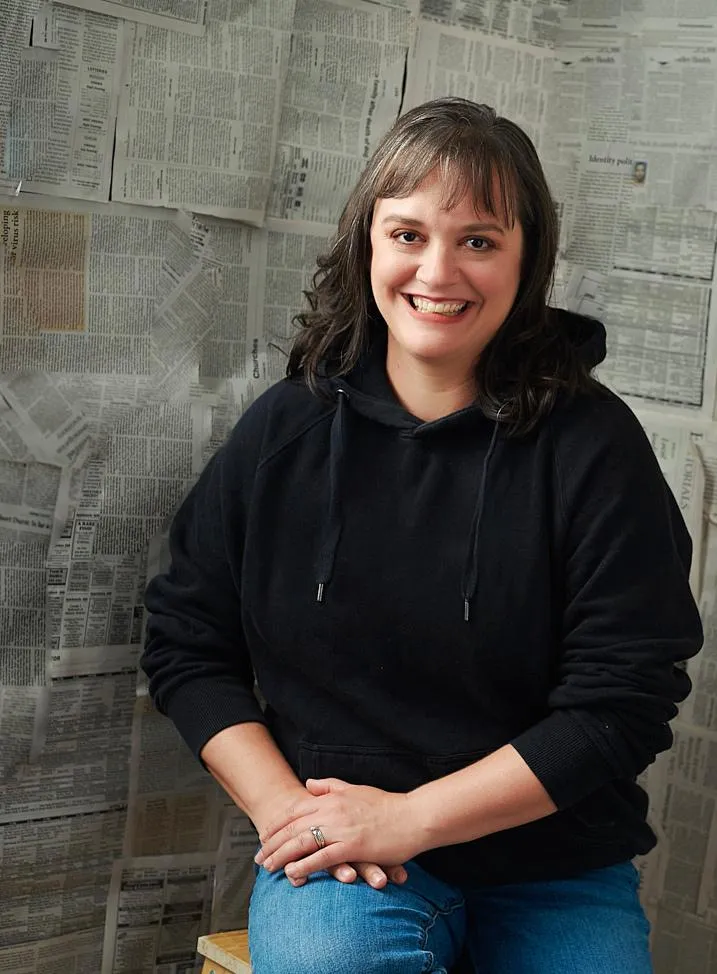
Hi, I'm Jody Skinner, Vellum nerd and book formatting professional.
In these selected video tutorials out of my longer Vellum course (click here for that), you'll learn essential design techniques and smart formatting tricks to enhance your books. No recurring designer fees. No guesswork.
This course is perfect for you if you don't need basic tutorials but you would like demonstrations of Vellum's more customized features. These lessons will cover ...
• Simple image additions and back-end settings that will keep down your KDP delivery costs
• Subtle ways to level up your print editions, and the best kinds of images to use
• Full-blown custom print editions with Vellum's expanding toolkit
Meet the instructor
Hi, I'm Jody Skinner.
Since 2017, I’ve formatted hundreds of books using InDesign and Vellum—and I believe every author should experience Vellum’s power firsthand.
I’ve broken down the Vellum formatting process into bite-sized video lessons over in my longer course, and this shorter version has selected lessons for people already familiar with Vellum's basics.
My mission is simple: to build a supportive publishing community and empower both Mac and PC users to produce a beautiful book you’re proud to hold—and sell.
Ready to put these proven techniques to work? Let’s get your manuscript truly publish-ready!
Frequently Asked Questions
I already own The Complete Vellum Workshop. Is this the next course?
No, these are lessons pulled out of that full course. Don't buy this one if you have the full course!
Is this only for advanced Vellum users?
This course assumes you already know your way around Vellum, but you can get the basics from Vellum's online help or from my book called Format Your Book with Vellum.
What specific topics are these lessons about?
These lessons cover print book setup, keeping down your ebook delivery costs with KDP, simple decorations that work in ebook and in print, adding custom chapter text to print editions, and full page backgrounds or borders for more highly embellished custom print books.
What if I have questions about the course?
Students can ask questions in the course community or through Jody's Facebook group, The Indie Author Toolkit.
Can I get my money back if I'm not happy?
You have 30 days to test everything in the course! If you decide this isn't for you, just write [email protected] for a full refund.